News · Issue 4
The LG Monitor Update Fiasco: When Windows Update Becomes a Silent Software Installer
Plug in an LG monitor and Windows Update quietly installs an app that shows you McAfee ads. Here's the pipeline that makes it possible.
What happened
Plug in a monitor, get an app you never asked for
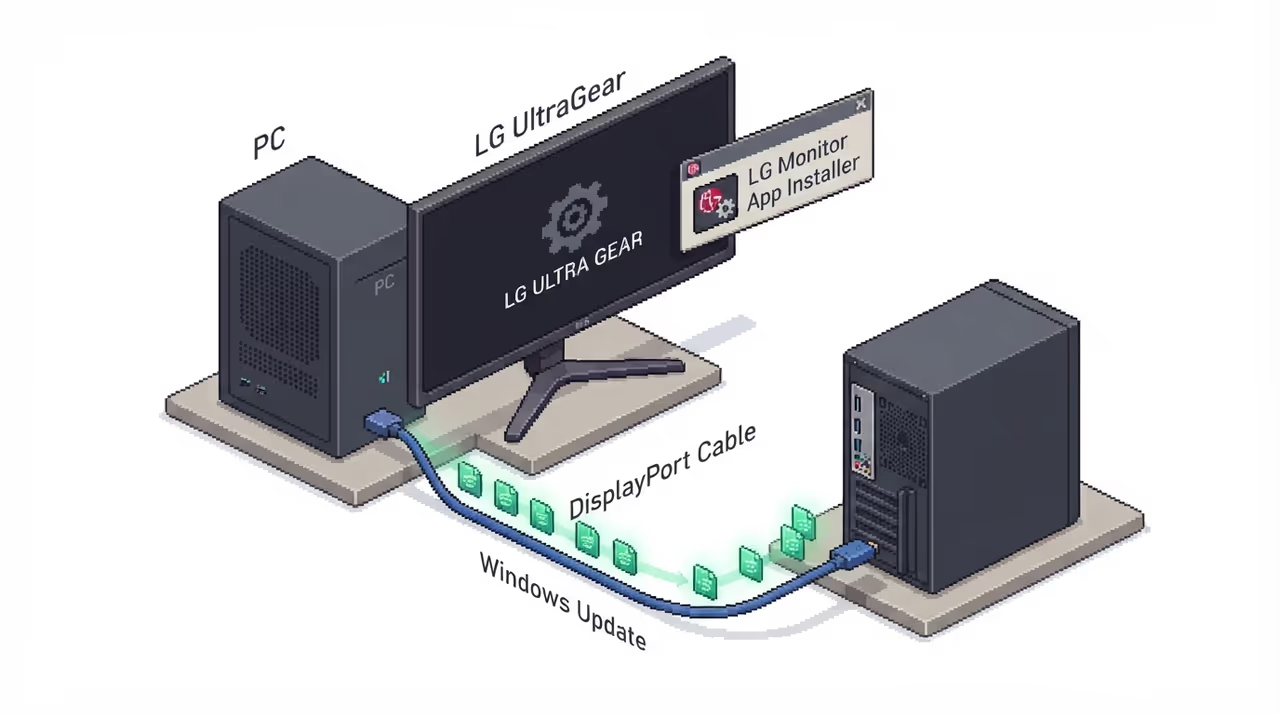
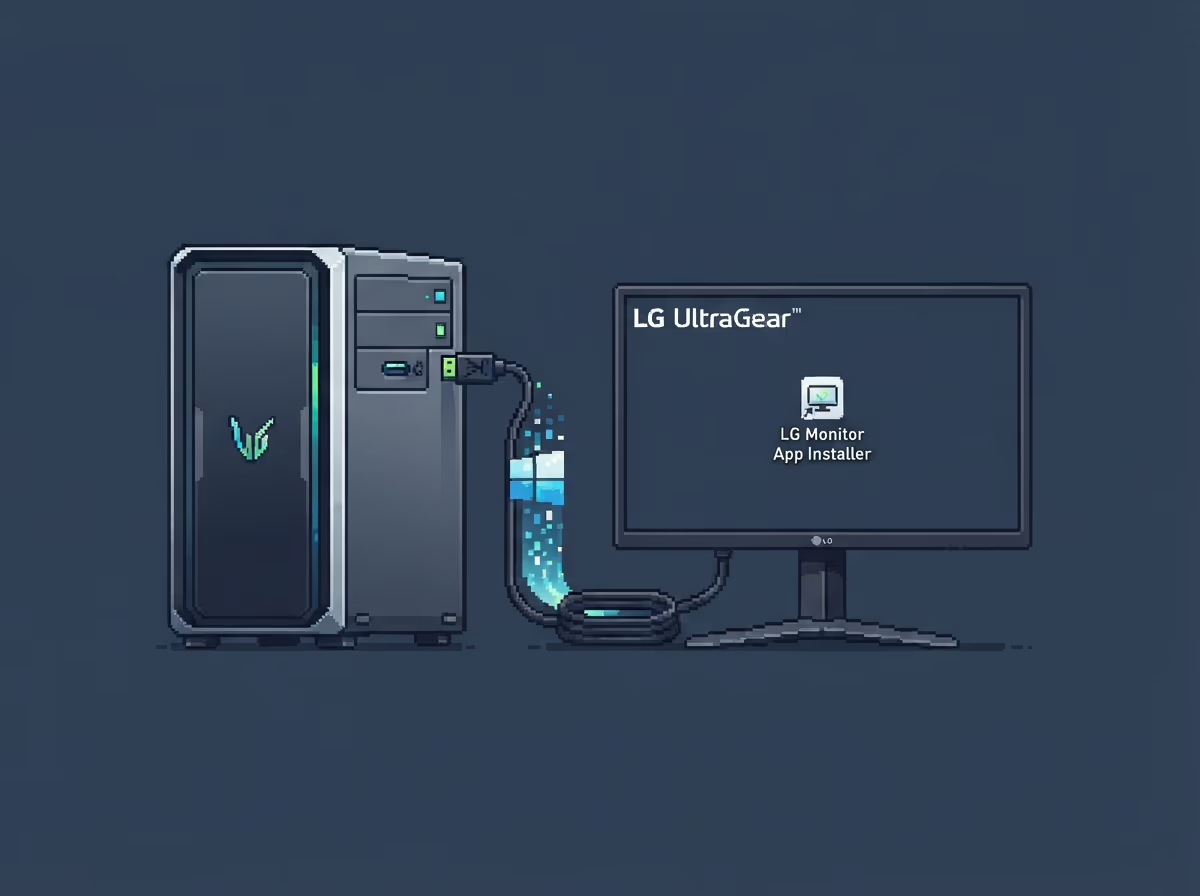
In mid-July 2026 a Reddit post and then a GamersNexus investigation documented the same thing: connect an LG monitor to a Windows PC, and Windows Update silently installs a Microsoft Store app called LG Monitor App Installer. No consent dialog. No prompt. No opt-out during setup.
GamersNexus reproduced it with a new LG UltraGear 34GX900A-B, and it also fired on an LG UltraFine 32UN880-B bought three years earlier. This is not a rogue driver bug. It is Windows Update working exactly as designed, being used to ship consumer software instead of hardware drivers.
The angle worth your attention is not that one app is annoying. It is that the plumbing meant to deliver drivers has quietly become a distribution channel for whatever a vendor decides to attach to it.
The mechanism
How a driver package pulls in an app
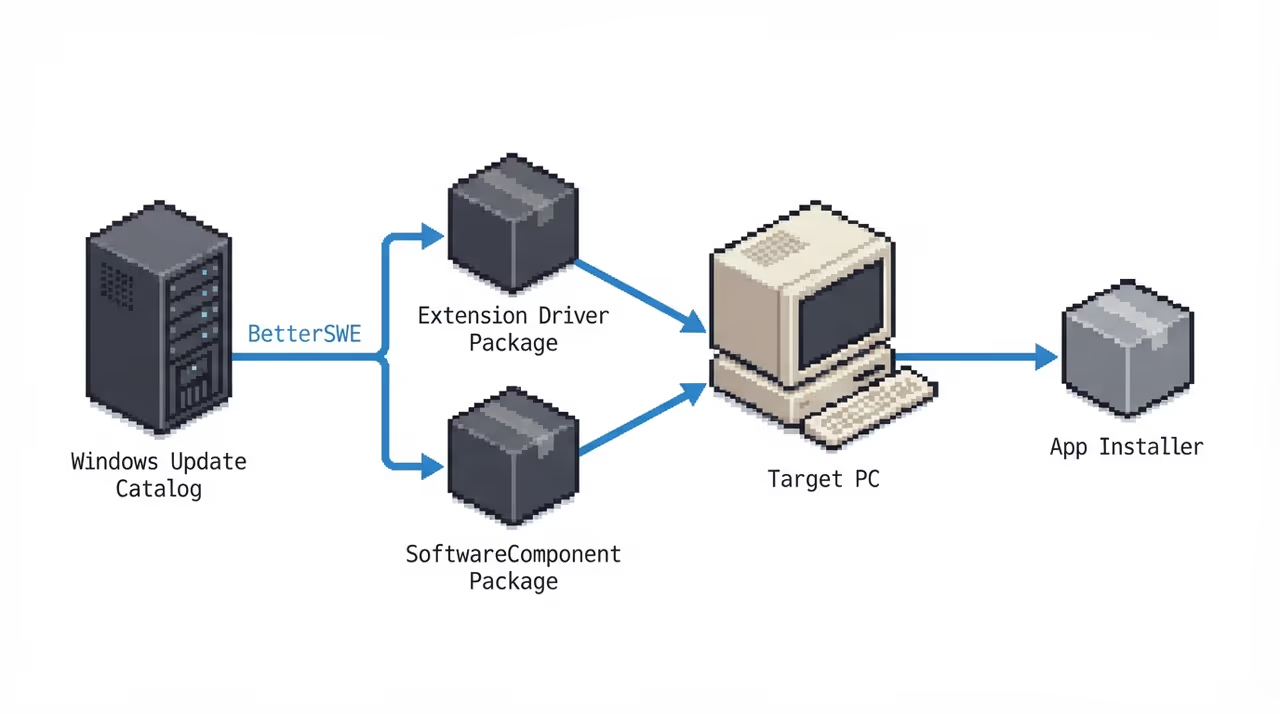
When Windows detects the monitor via Plug-and-Play, Windows Update pulls down LG extension and SoftwareComponent driver packages. These are legitimate package types in the Update Catalog. The SoftwareComponent type has been shipping there since at least November 2023 (version 1.1.2023.1102).
The catch is what one of those components does. Roughly one minute after the driver install, Windows Reliability Monitor (perfmon /rel) logs the LG Monitor App Installer appearing, an entirely separate Store app, with no user in the loop.
- Monitor detected (Plug-and-Play fires)
- Driver packages install (extension + SoftwareComponent)
- ~1 minute later (App installer appears in perfmon /rel)
- App set to run at startup (no consent shown)
Device Metadata lets a driver package declare an associated app, and Windows will fetch and install it automatically. That mechanism has existed for years for benign companion apps. LG is using it to land software the user never chose.
The payload
31 out of 32 boots, a McAfee ad
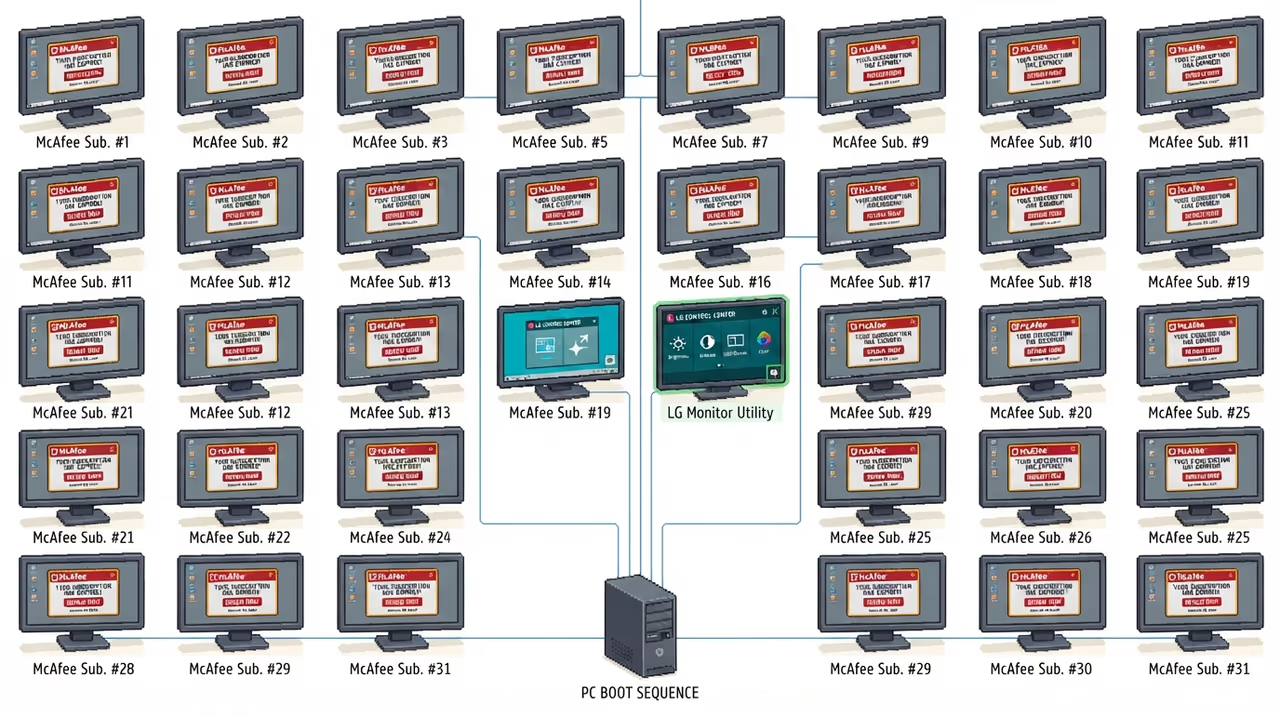
The app installs as a startup application, so it launches on every boot. GamersNexus ran 32 consecutive boots to see what it actually does. On 31 of them it displayed a McAfee subscription promotion; on the remaining one it promoted an LG-branded monitor utility instead.
32 boots
████████████████████████████████
└── 31 × McAfee popup
└──  1 × LG utility promo

McAfee offer: 30-day free trial
          → auto-converts to paid
The McAfee offer is a 30-day free trial that auto-converts to a paid subscription. So the practical result of buying an LG monitor is a background program that runs at startup and mostly serves antivirus upsells for a third party. Complaints about this exact app date back to at least 2024.
The permissions
What the app is allowed to touch
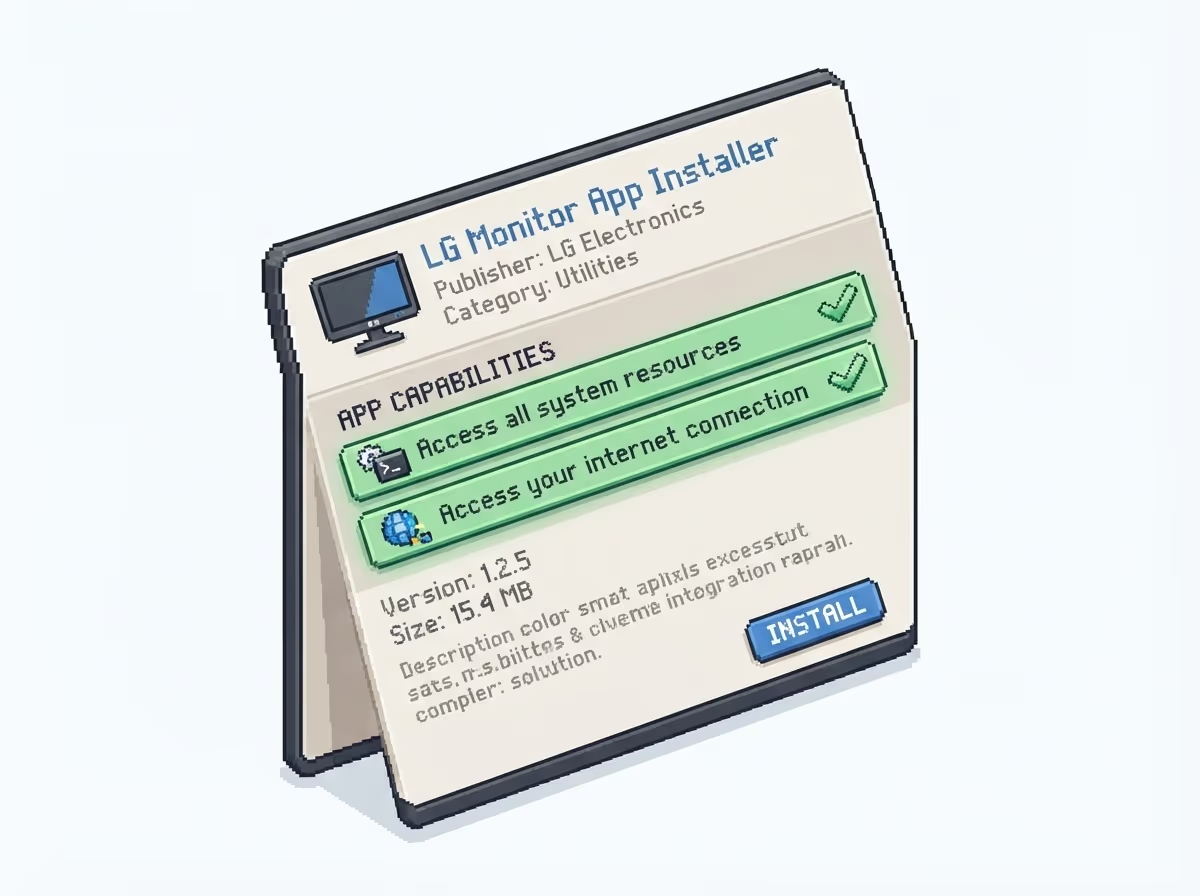
The Microsoft Store listing discloses two capabilities that matter: Access all system resources and Access your internet connection. Together that is effectively unrestricted local access plus a live network connection, on an app that runs at every boot.
GamersNexus and Privacy Guides both flag what that combination makes possible. An app that can read the system and reach the internet could swap the ads it shows or move data off the machine. To be precise, that is a theoretical concern raised from the permission set, not something demonstrated in these reports.
An ad-serving startup app with full system access and a live connection is a lot of surface area for a monitor driver to earn.
Not just LG, and how to stop it
The same trick, and the community fix
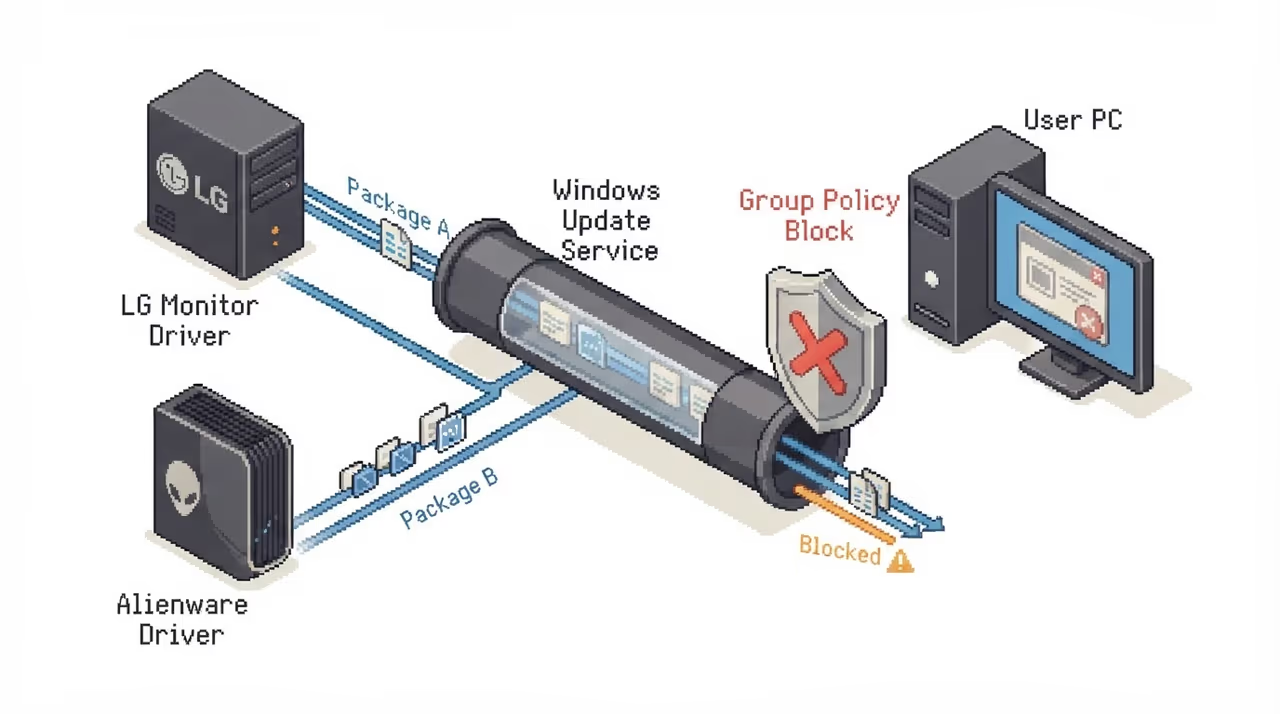
LG is not alone. GamersNexus found a new Alienware AW3423DWF monitor repeatedly triggering an app install over DisplayPort, fixed by the same Group Policy toggle. Reddit accounts describe Dell using the pipeline to push Alienware Command Center, with a background extension that reinstalls itself, though that removal claim is an unverified user report.
The mitigation is community-sourced, since there is no official patch from LG or Microsoft as of July 18, 2026. The reliable lever is a Group Policy setting that stops Windows from auto-fetching metadata-associated apps.
gpedit.msc →
  Computer Configuration
   → Administrative Templates
    → System
     → Device Installation
      → Prevent automatic download of
        applications associated with
device metadata [Enabled]Windows Home has no gpedit.msc, so users fall back to a DISM script to enable it or a tool like Win11Debloat that flips the same behaviour via the registry. It works, but it puts the burden of saying no entirely on the user, after the fact.
The takeaway
A driver channel that stopped asking
Why it matters
Windows Update is trusted precisely because it delivers vetted drivers and security fixes. Turning its Device Metadata path into a silent installer for ad-serving consumer software erodes that trust, and it does so with vendor-signed packages that antivirus won't flag. With LG and Alienware both doing it and no response from Microsoft or the vendors, the only defence right now is a Group Policy toggle most people will never find.
The short version
- Connecting an LG monitor makes Windows Update silently install **LG Monitor App Installer**, with no consent prompt, about a minute after the driver packages land.
- The app runs at every boot; GamersNexus saw a **McAfee upsell on 31 of 32 boots**, tied to a trial that auto-converts to paid.
- Its Store listing grants **all system resources** plus **internet access**, which is far more reach than a monitor helper needs.
- **Alienware** uses the same Device Metadata pipeline, so this is a pattern, not one vendor.
- The fix is a community-found Group Policy setting (**Prevent automatic download of applications associated with device metadata**); there is no official patch as of July 2026.
Sources
- 1.Windows update silently installed LG bloatware, which causes a McAfee pop up
- 2.LG monitors silently install software through Windows ...
- 3.LG monitors silently install software through Windows Update without user consent
- 4.LG Monitor App Installer silent installation : r/technology
- 5.LG monitors silently install software through Windows ...
- 6.LG monitors silently install software through Windows Update without consent
- 7.Windows 10/11 Auto installing “LG Monitor App Installer” LG Monitor Support Application Drivers”. | Microsoft Community Hub
- 8.LG monitors silently install software through Windows ...
- 9.LG Monitors Caught Installing Adware and App With Access to "All System Resources" Without Asking
- 10.Microsoft Update Catalog
- 11.LG monitors silently install software through Windows Update without ...
- 12.Need help with my LG monitor, with windows 11 : r/pcmasterrace
- 13.When is Microsoft release Windows 11 monitor drivers for LG UltraWide Monitors? - Microsoft Q&A
- 14.LG Software & Drivers | LG U.S.A
- 15.External widescreen display renders abnormally when rotating screen to portrait mode in Windows 8 - Microsoft Support
- 16.Office apps appear the wrong size or blurry on external monitors | Microsoft Support
- 17.Update Your Security Processor (TPM) Firmware
- 18.What to try if a touchscreen doesn't work in Windows | Microsoft Support
- 19.Fix connections to wireless displays or docks in Windows | Microsoft Support
- 20.VideoCardz: LG monitors silently install app via Windows Update (GamersNexus investigation)
- 21.Privacy Guides: LG Monitor App Installer and webOS AI services
- 22.GamersNexus: DO NOT BUY: LG's Spyware TVs, Monitors, and Wiretapping Concerns
- 23.r/pcmasterrace: LG Monitor App Installer forced via Windows Update
- 24.Microsoft Tech Community: forced install of LG Monitor App Installer via Windows Update
- 25.Microsoft Update Catalog: LG monitor driver and SoftwareComponent packages